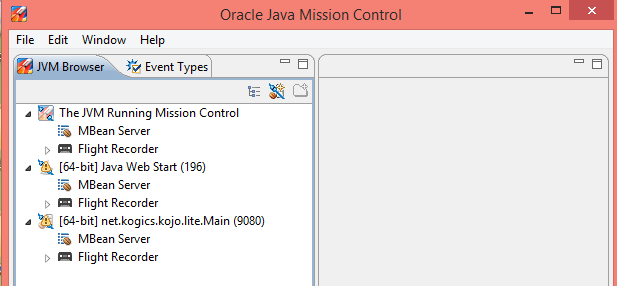
Java is a key program which is widely used and you invariably need Java on your computer. Microsoft Windows is another equally important operating system and with Windows 10 and the new Microsoft browser, Microsoft Edge, one of course need to know about how Java works on Windows 10.
Finding Java Control Panel
Go to Control Panel | Programs
You will find Java
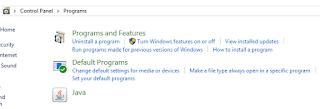 CPL_Java1.png
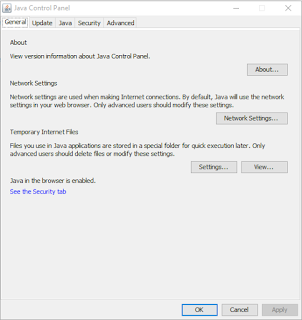
Click on Java. Java Control Panel opens as shown.
 CPL_Java2.png
This is how it is registered in the Windows Registry.

CPL_Java3.png
This advice is from Java web site.
From Windows Search, type in Java. In the search results, select Configure Java. The Java Control Panel will appear.
Finding Java Control Panel
Go to Control Panel | Programs
You will find Java

Click on Java. Java Control Panel opens as shown.

This is how it is registered in the Windows Registry.

CPL_Java3.png
This advice is from Java web site.
From Windows Search, type in Java. In the search results, select Configure Java. The Java Control Panel will appear.