You could use the following commands to find the operating system on your computer:
At the command prompt with the command window open in adminsitrative mode type-in ver or winver as shown:
==
C:\>ver
Microsoft Windows [Version 10.0.10586]
==
C:\winver will bring up the About Windows as shown:
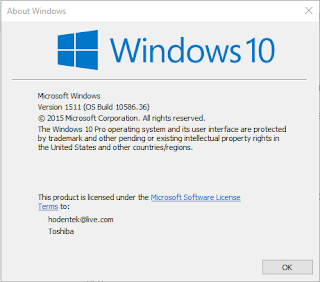 winver.png
However if you want to use Windows PowerShell launch it in elevated mode and run the following command and you get more detailed information as shown:
gwmi win32_operatingsystem

At the command prompt with the command window open in adminsitrative mode type-in ver or winver as shown:
==
C:\>ver
Microsoft Windows [Version 10.0.10586]
==
C:\winver will bring up the About Windows as shown:

However if you want to use Windows PowerShell launch it in elevated mode and run the following command and you get more detailed information as shown:
gwmi win32_operatingsystem

gwmi.png


