Since SQL Server 2016, SQL Server Management is not installed when you install SQL Server. It will be a separate install.
You can download the latest SQL Server Management Studio v18.4 (the most recent version) from here:
https://docs.microsoft.com/en-us/sql/ssms/download-sql-server-management-studio-ssms?view=sql-server-ver15

It is backward compatible with the earlier versions.
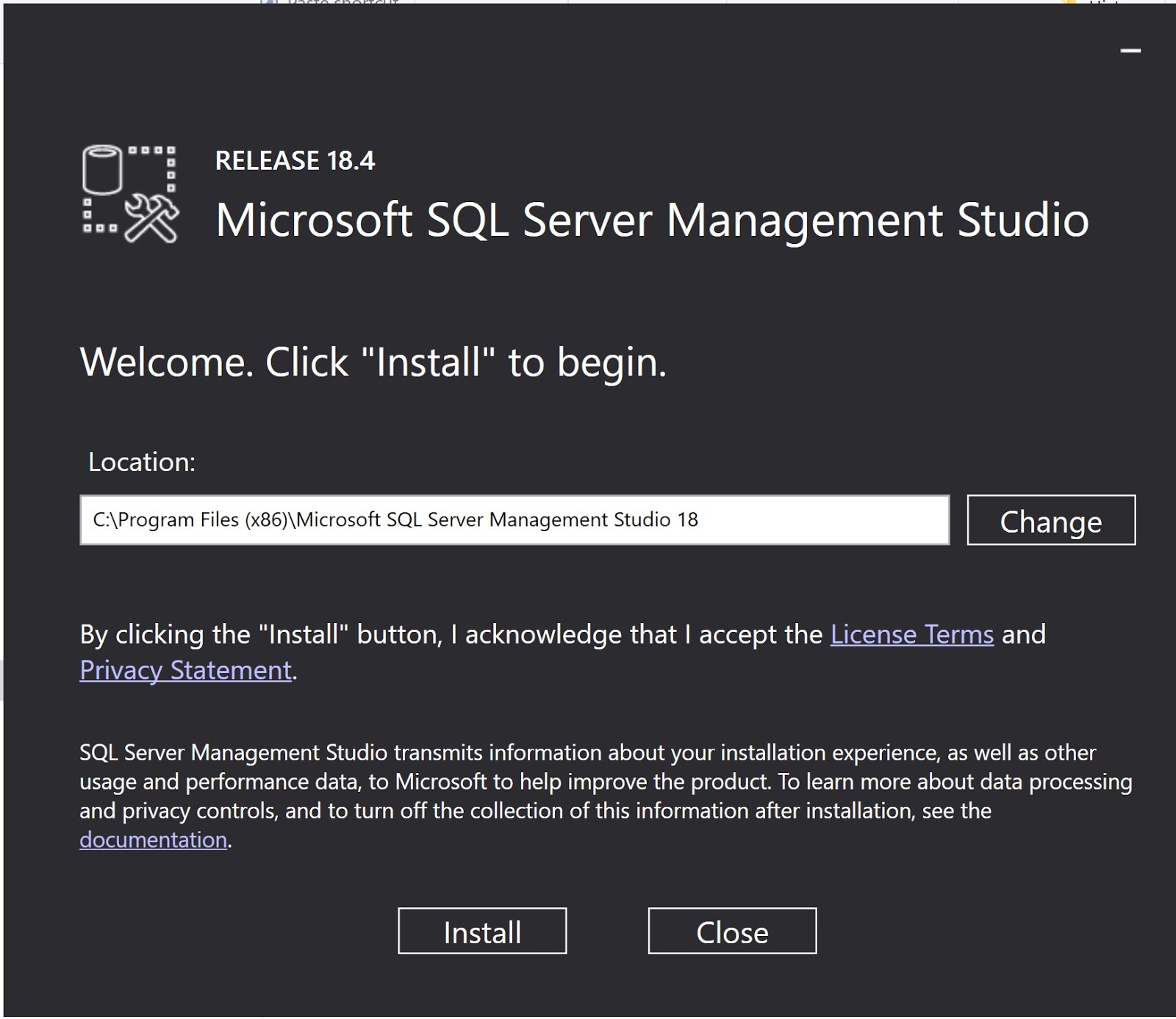
Double click the downloaded file (SQL2019-SSEI-Dev.exe) to begin the installation.

Click Install. It takes a little while and gets installed easily.

You should see this in your Windows Display of programs.

These programs get added to your Control Panel.


The user settings from v17 were imported. You could also import later after a default installation.


You can download the latest SQL Server Management Studio v18.4 (the most recent version) from here:
https://docs.microsoft.com/en-us/sql/ssms/download-sql-server-management-studio-ssms?view=sql-server-ver15

It is backward compatible with the earlier versions.
Double click the downloaded file (SQL2019-SSEI-Dev.exe) to begin the installation.


These programs get added to your Control Panel.

When you launch the SQL Server Management Studio you may get this display. Since there was an existing SSMS v 17.x was present, this display came up.

The user settings from v17 were imported. You could also import later after a default installation.

The SQL Server Management Studio opens displaying the Object Browser. It assumes Windows Authentication with the current user as server administrator.

The version information is as seen in the following screen:


