You often want to look at all commands available shown in the commands pane.
By default it may not be shown when you launch PowerShell and perhaps this is what you see.

PS_CommandsPane_0
You can display the command pane using the View menu as shown.

PS_CommandsPane_1
Click Show Command Add-on. Now the command pane is added as shown.

PS_CommandsPane_2
You can also use the Object Model code to display the Command pane as shown.

PS_CommandsPane_3
By default it may not be shown when you launch PowerShell and perhaps this is what you see.

PS_CommandsPane_0
You can display the command pane using the View menu as shown.

PS_CommandsPane_1
Click Show Command Add-on. Now the command pane is added as shown.

PS_CommandsPane_2
You can also use the Object Model code to display the Command pane as shown.
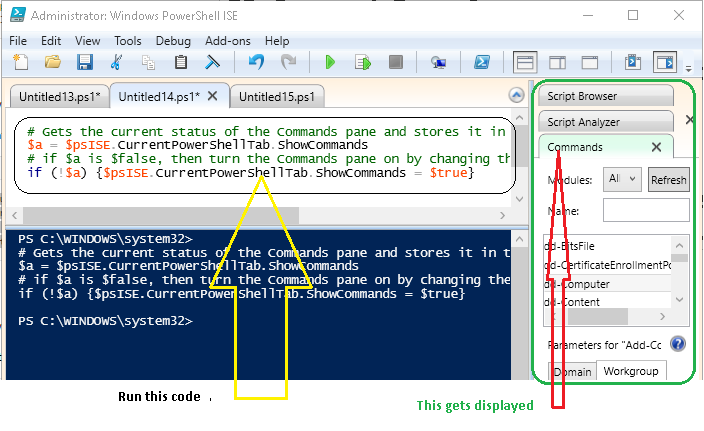
PS_CommandsPane_3


