I am using SQL Server Management Studio Version 17.1. You may user another version.
Launch SSMS 17.1
Click Tools | External Tools...
External Tools window is displayed as shown.

Replace the Title with a name of your own, herein Excel Application. The menu contents also
changes to the one you provided, herein Excel Application.
You need to provide the location of the executable in the Command box. In the present case the
executable is here:
"C:\Program Files (x86)\Microsoft Office\root\Office16\EXCEL.EXE"
Now you External Tools window should appear as shown.

Click OK.
Now you will find 'Excel Application' as shown in the Tools menu.

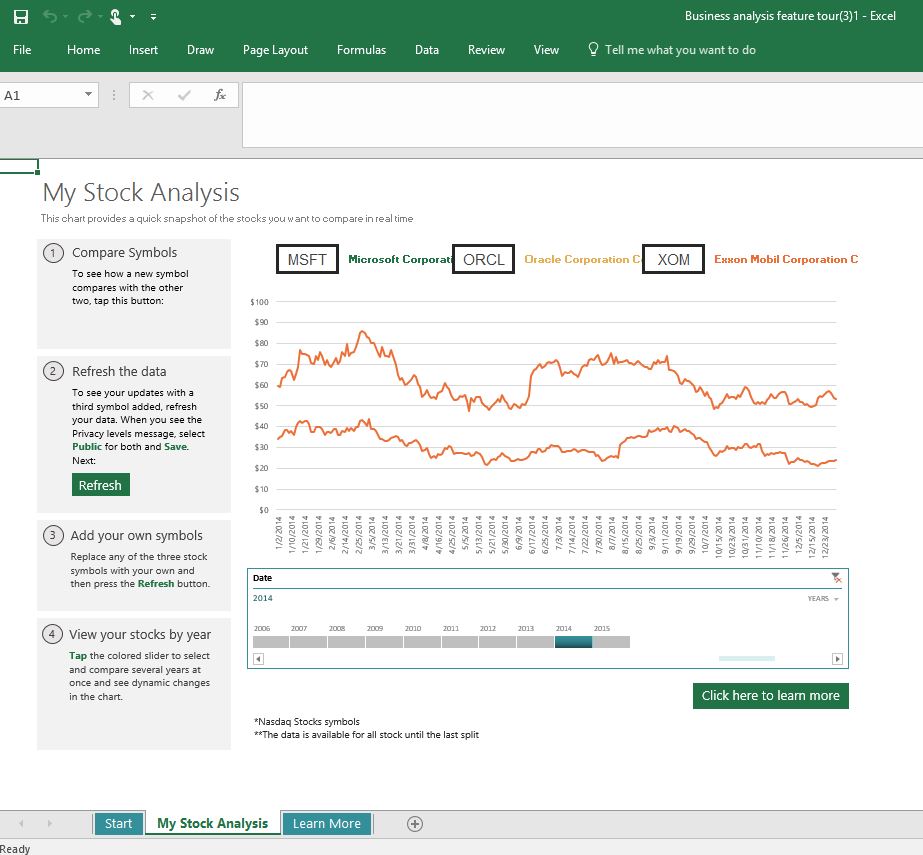
Now when you click this menu item, Excel Application is launched.
Launch SSMS 17.1
Click Tools | External Tools...
External Tools window is displayed as shown.

Replace the Title with a name of your own, herein Excel Application. The menu contents also
changes to the one you provided, herein Excel Application.
You need to provide the location of the executable in the Command box. In the present case the
executable is here:
"C:\Program Files (x86)\Microsoft Office\root\Office16\EXCEL.EXE"
Now you External Tools window should appear as shown.

Click OK.
Now you will find 'Excel Application' as shown in the Tools menu.

Now when you click this menu item, Excel Application is launched.